
How to Precondition a Tesla in Winter: Battery, Cabin and Scheduled Departure (2026)
How to Precondition a Tesla in Winter: Battery, Cabin and Scheduled Departure (2026)

To precondition a Tesla in winter, plug it in the night before and set a departure time in the car’s Schedule settings (or the older Scheduled Departure menu), so the battery and cabin are warm when you leave. For a one-off warm-up, open the Tesla app and turn on Climate (or Defrost Car on a frosty morning) about 30 to 45 minutes before you go. Before a fast-charging stop, set the Supercharger as your navigation destination so the car warms the battery on the way.
Disclosure: some links are affiliate/referral links (Tesla referral and Amazon). If you buy through them, we may earn a reward or commission at no extra cost to you. See our disclosure page.
Key facts (checked October 18, 2026)
- A scheduled precondition works out its own start time, so the cabin and battery are ready at the time you pick.
- If the car is plugged in, it heats from wall power, not from the battery.
- Preconditioning also runs unplugged, unless the car is in Low Power Mode.
- A blue snowflake on the screen means a cold battery. Regen, acceleration and charging speed may be limited until it warms.
- Setting a Supercharger, or a supported third-party fast charger, as your destination starts battery warm-up on the drive there.
- A Tesla Wall Connector delivers up to 11.5 kW (48 A) on a 60 A breaker, which is plenty to cover a morning warm-up.
📋 Contents
- What preconditioning actually does
- Method 1: Schedule it the night before (the best option)
- Method 2: Warm it up from the Tesla app
- Method 3: Precondition before a Supercharger stop
- Plugged in or unplugged: where the energy comes from
- Common preconditioning mistakes in winter
- How much range does winter preconditioning save?
- Frequently Asked Questions
- Summary
What preconditioning actually does
Preconditioning is two jobs at once. The first is the cabin: the heat pump or heater warms the air, the seats and the glass so you aren’t scraping ice in the dark. The second is the high-voltage battery. Lithium-ion cells are sluggish when they are cold, and the car protects them by limiting how much power goes in and out.
You can see that protection on the screen. Tesla’s owner’s manual explains that a blue snowflake icon appears when some of the battery’s stored energy is unavailable because the pack is cold. While it is showing, regenerative braking, acceleration and charging rates may be limited. As you drive, the pack warms and regen comes back. The fix the manual recommends is simple: give the car time to precondition, or schedule it.
Owners in cold climates typically see the snowflake on January mornings when the car sat outside without a schedule. The car still drives normally, but regen feels softer and the first few kilometres use more energy. A warm pack avoids most of that.
A warm battery also charges faster. That matters most at a Supercharger, where a cold pack can take a long time to ramp up. At home on Level 2 it matters less, because a Wall Connector is slow enough that a cold battery can usually keep up.
Method 1: Schedule it the night before (the best option)
Scheduling is the method most owners should use every weekday from November to March. You set it once and forget it.
The menu depends on your software. Newer cars have a Schedule tab in the car’s settings (you can also reach it from the Climate and Charging screens). It lets you build schedules tied to a saved location such as Home or Work, pick the days of the week, and set it to repeat. Not a Tesla App described this layout when it first appeared in update 2024.26. Older software shows the same feature as Charging > Scheduled Departure, with a simple weekday or weekend choice. Either way, you can also set it in the Tesla app under the Schedule or Charging menu.
Menu names vary by software version. Source: Tesla owner’s manual (Scheduled Precondition and Charge).
Two details make a big difference. First, the time you enter is the time you want the car ready. According to Tesla’s manual, the car calculates when to start preconditioning so the cabin and battery are warm at that moment. You don’t need to guess a lead time.
Second, pair it with a scheduled charge. Tesla points out that if charging starts the moment you plug in, it finishes hours early, and the battery then cools down and has to be warmed again before you leave. Setting charging to end around your departure time keeps the pack warm and can lower energy costs even if your utility doesn’t have off-peak rates. If you are on a time-of-use plan, you can still keep most of the charging in the cheap overnight window and let the last part run close to departure.
One quirk to know: the manual says a scheduled charge won’t start if you plug in within six hours after the scheduled end time, unless you have another schedule set. If you get home late and the car doesn’t charge, that is usually why. Tap Start Charging to override it.
Method 2: Warm it up from the Tesla app
For days when your plans change, the app does the same job on demand. Open the Tesla app, tap Climate and turn it on. On an icy morning, use Defrost Car instead. It runs the climate system at full output to melt snow and ice, and it also warms the battery as needed.
How early should you start? Tesla’s winter driving tips recommend turning on climate settings at least 30 to 45 minutes before you leave. On a mild winter day, 15 to 20 minutes clears the glass. When it is well below freezing, or the car sat outside all night, give it the full 45 minutes, especially if you will drive on the highway right away.
A few related settings help:
- Keep Climate On. Keeps the cabin warm when you step away, for example while you clear snow off the roof. In the car, tap the fan icon and choose Keep Climate On.
- Seat and steering wheel heat. These can be turned on from the app too. They warm you directly and use less energy than heating all the cabin air.
- Iced charge port. If the charge port is iced shut, defrosting the car usually frees it. Our guide to a frozen door handle or charge port covers the stubborn cases.
Preconditioning does not clear a thick layer of snow from the roof, hood or cameras. You still need a brush. The AstroAI extendable snow brush is long enough to reach the middle of a Model Y glass roof, and the foam head is gentler on paint than a hard plastic scraper. It fits every Tesla model and year, and it stores in the frunk.
Method 3: Precondition before a Supercharger stop
Battery warm-up for fast charging works differently. The car starts it automatically when you set a Supercharger as your destination in the in-car navigation. Tesla calls it on-route battery warmup, and it is the reason many owners navigate to a charger they already know how to find.
Third-party fast chargers count too. Starting with update 2025.2 in North America, setting a supported third-party DC fast charger as the destination also triggers warm-up when needed, according to Not a Tesla App’s coverage of that release. Check that the charger shows in your navigation results first.
A few practical points:
- Start the navigation at least 20 to 30 minutes before you arrive on a cold day. A short hop around the block doesn’t give the pack enough time.
- Model 3 and Model Y don’t have a separate battery heater like the older Model S and Model X. They warm the pack by running the motor inefficiently, so you may hear a louder hum. That is normal.
- If you arrive cold anyway, newer V3 and V4 Superchargers can help. Drive Tesla Canada reported that these sites can send an AC ripple current through cold LFP packs in Standard Range rear-wheel-drive Model 3 and Model Y cars, warming the battery while plugged in. Tesla still recommends preconditioning whenever possible.
For more on why charging slows down in winter and how long a session really takes, see how long it takes to charge a Tesla.
Plugged in or unplugged: where the energy comes from
Preconditioning works both ways, but the energy source is different. When the car is plugged in, Tesla says it uses power from the charger to heat the cabin and battery instead of drawing from the pack. Unplugged, it runs on the battery, and the manual notes it won’t run while the car is in Low Power Mode.
Plugged in
- Heat comes from wall power, so you leave with the charge you planned.
- Best for daily commutes from home.
- Pair it with a scheduled charge that ends near departure.
Unplugged
- Uses energy from the battery, so you start with less range.
- Fine for short warm-ups, such as leaving the office or a parking lot.
- Won’t run if Low Power Mode is on.
Source: Tesla owner’s manual and Tesla winter driving tips.
This is the strongest reason to plug in every night in winter, even if you have plenty of range. A standard 120 V outlet supplies only about 1.4 kW, which may not keep up with a full cabin and battery warm-up on a deep-freeze morning, so some energy can still come from the pack. Level 2 power at home covers it comfortably.
Tesla’s Wall Connector support page lists the output by breaker size:
Scale 0 to 12 kW, at 240 V. Some newer Model 3 and Model Y trims accept a maximum of 32 A (7.7 kW). Source: Tesla Wall Connector support page and Tesla Shop.
If you don’t have Level 2 at home yet, this is the upgrade that makes winter ownership easiest. The Tesla Wall Connector is the main pick: it is hardwired, works with every Tesla, and can be set to match your panel. It needs a licensed electrician to install, and the total cost depends mostly on the wiring run. Our home charger installation guide walks through costs and permits.
The budget alternative is a portable Level 2 charger such as the Lectron 40A portable charger, which plugs into a 240 V outlet like a NEMA 14-50. It suits renters or anyone who already has a dryer-style outlet in the garage. Make sure the outlet and circuit are rated for continuous EV charging before you use it every night.
Common preconditioning mistakes in winter
| Mistake | What happens | Fix |
|---|---|---|
| Charging finishes at midnight | The pack cools for hours and has to be reheated before you leave. | Schedule charging to end near departure. |
| Entering the start time instead of the ready time | The car is warm too early or too late. | Enter the time you walk out the door. |
| Schedule saved for the wrong location | Location-based schedules only run where they were set. | Check the location in Schedule, especially after a trip. |
| Driving to a Supercharger without navigation | The battery arrives cold and charging ramps up slowly. | Always set the charger as the destination. |
| Low Power Mode left on | Unplugged preconditioning won’t run. | Turn it off in winter unless the car is parked for weeks. |
| Warming for five minutes, then driving | The cabin feels warm but the pack is still cold. | Use a schedule, or start 30 to 45 minutes ahead. |
How much range does winter preconditioning save?
There is no single number, and anyone who quotes a precise percentage for your car is guessing. The savings depend on the temperature, how long the car sat, your commute length and whether you were plugged in. What is well established is where cold-weather losses come from. The US Department of Energy’s fueleconomy.gov cold-weather page explains that EV range drops in the cold mainly because of cabin heating and a less efficient cold battery, and it recommends preheating while plugged in.
In practice, preconditioning on wall power moves the heating cost off the battery. The first few kilometres of a short commute are where you notice it most, because that is when an unheated car uses the most energy per kilometre. On a long highway drive, the difference shrinks as the pack warms on its own.
For a wider look at cold-weather range, tires and driving, read our Tesla winter driving guide.
If you are still shopping and plan to take delivery this winter, you can order through a referral link, which gives new owners 3 months of FSD (Supervised). It generally can’t be combined with the new-car FSD trial or other offers; Tesla confirms the final perk on your order. I ordered my own Model Y straight from tesla.com without a test drive, and the whole order takes a few minutes.
Frequently Asked Questions
How long does it take to precondition a Tesla in winter?
Tesla recommends starting climate at least 30 to 45 minutes before you leave. With a schedule, you don’t need to guess: the car calculates the start time so it is ready at the time you set.
Does preconditioning drain the battery?
Only if the car is unplugged. When it is plugged in, Tesla says it uses power from the charger to heat the cabin and battery. Unplugged, the energy comes from the pack, so you start with a bit less range.
Can I precondition a Tesla that isn’t plugged in?
Yes. The manual says preconditioning runs unplugged, as long as the car isn’t in Low Power Mode.
Is it bad to leave a Tesla plugged in all night in winter?
No. Tesla’s cold-weather guidance is to leave the car plugged in when you can, because the charging system then keeps the battery warm. Set your charge limit for daily use and let the schedule handle the timing.
Why is my regenerative braking limited in the morning?
The battery is cold. A blue snowflake on the screen confirms it. Regen returns as the pack warms, and preconditioning before you leave avoids most of the limit.
How do I precondition the battery without navigating to a Supercharger?
For fast charging, navigation is the trigger Tesla uses. Setting the charger as your destination, even if you know the route, is the reliable way to warm the pack. At home, a scheduled precondition or turning on climate in the app also warms the battery as needed.
Does preconditioning melt snow off the car?
It clears the windshield and windows and helps loosen ice, but it won’t remove a thick layer of snow from the roof, hood or cameras. Brush it off before you drive.
Summary
- Plug in at home and set a schedule with the time you want to leave. The car picks the start time.
- Have charging finish near departure so the battery is still warm.
- Use the app’s Climate or Defrost Car for one-off warm-ups, 30 to 45 minutes ahead.
- Before a fast-charging stop, always navigate to the charger so the battery warms on the way.
- Plugged in, heat comes from wall power. Level 2 at home makes winter mornings much easier.
Order with a referral link for 3 months of FSD (Supervised) →
More guides: Canada Tesla and US Tesla.
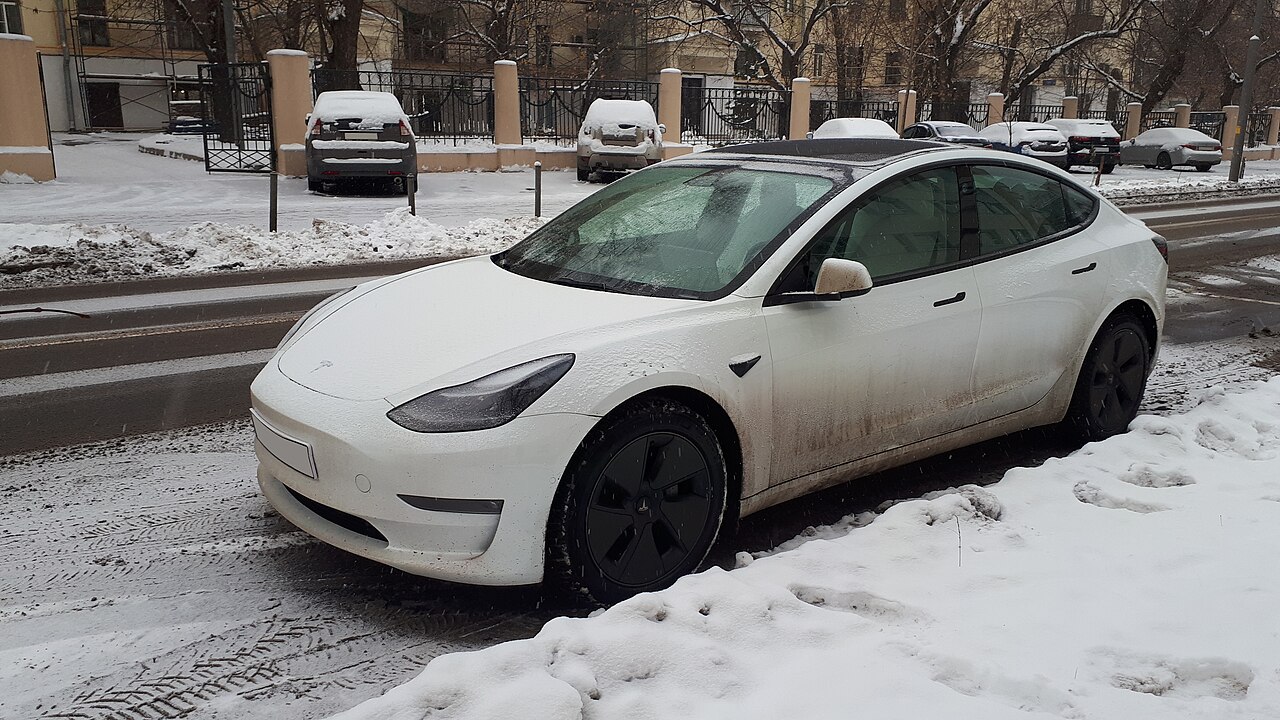
Image credit: “Tesla Model S in snow (front view)” by Kirill Borisenko, CC BY-SA 4.0, via Wikimedia Commons.

About the author: Lifei Zhou
Model Y owner since 2022Ontario STO registered apprentice · 310SWorks on Porsche, Mercedes, BMW, Audi weeklyHundreds of readers referred (est.)
Lifei is a Tesla owner based in Canada, writing practical, fact-checked Tesla guides for US and Canadian drivers — buying, ownership, insurance, charging, and TSLA investing, all from first-hand experience.