
Tesla Vampire Drain: How Much Battery Your Tesla Loses While Parked (2026)
Tesla Vampire Drain: How Much Battery Your Tesla Loses While Parked (2026)

In one sentence
How much charge does a parked Tesla lose to vampire drain? Real daily loss rates, the settings that cause it, and how to protect your battery at the airport or in storage.
You come back from a two-week vacation, walk up to your Tesla in the airport garage, and the app shows the battery has quietly slipped from 80% down to the low 50s — even though the car never moved. That silent, do-nothing battery loss has a nickname among owners: vampire drain (also called phantom or idle drain). It is normal, it is manageable, and once you understand what causes it, you can cut it down to about 1% a day — or eliminate it entirely by leaving the car plugged in.
This guide breaks down how much range a parked Tesla actually loses, what’s really behind it, and the exact settings North American owners should change before a long trip, a winter of light driving, or a stint in long-term parking. Everything here reflects the 2026 software behavior on Model 3, Model Y, and the S/X fleet still on the road.
Disclosure: some links are affiliate/referral links, meaning we may earn a commission at no extra cost to you if you buy through them. See our disclosure page.
📋 Contents
- What Is Tesla “Vampire Drain” — and What’s Normal?
- How Much Range Does a Parked Tesla Actually Lose?
- The Real Culprits Behind Idle Drain
- How to Cut Vampire Drain to About 1% a Day
- Long-Term Parking: Airports, Vacations, and Winter Storage
- Don’t Forget the 12V Battery — the Other “Dead Car” Surprise
- Is Vampire Drain a Sign of a Problem?
- Ordering a New Tesla? Start With the Referral Perk
- Frequently Asked Questions
- The Bottom Line
What Is Tesla “Vampire Drain” — and What’s Normal?
Vampire drain is the charge your Tesla uses while it sits parked and switched “off.” Unlike a gas car, a Tesla is never fully asleep. Its computers periodically wake to check for app commands, run over-the-air update checks, keep the cellular connection alive, and — most importantly — manage the temperature of the high-voltage battery so it stays healthy. All of that sips energy from the main pack.
So how much is “normal”? For a car that’s allowed to sleep properly, expect somewhere between 1% and 3% per day, which typically works out to a handful of miles (roughly 5–15 miles / 8–24 km) over 24 hours. Tesla itself notes that it’s normal for the car to consume a small amount of range while parked. The trouble starts when features that prevent the car from sleeping are left on — then daily loss can climb to the high single digits or worse.
A few realities worth setting expectations around:
- Short parks barely matter. Overnight in your driveway is a rounding error. Vampire drain only becomes a talking point over days and weeks.
- Newer cars are better. A late-model Model 3 Highland or Juniper Model Y with the current infotainment computer sleeps more efficiently than a 2019-era car.
- Weather is a multiplier. A hard freeze or a scorching parking lot can easily double idle consumption because the battery spends energy keeping itself in a safe temperature window.
How Much Range Does a Parked Tesla Actually Lose?
The single biggest variable is whether the car is allowed to sleep or is kept awake by Sentry Mode. Here’s a realistic picture of daily loss under different conditions, drawn from Tesla’s own guidance and thousands of owner logs. Treat these as ballpark ranges, not guarantees — your exact numbers depend on model year, battery size, and climate.
| Scenario | Typical daily loss | Over 14 days | Notes |
|---|---|---|---|
| Car sleeping, mild weather | ~1% | ~14% | Best case; Sentry off, no scheduled tasks |
| Car sleeping, hot or freezing | 2%–3% | ~28%–42% | Battery thermal management runs harder |
| Sentry Mode ON | 4%–8% | Would hit Sentry’s cutoff first | Sentry pauses itself around 20% charge |
| Sentry + climate/Cabin Overheat active | 10%+ | Battery could run flat | Avoid for unattended long-term parking |
| Plugged in, any weather | ~0% | ~0% | Car tops up from the grid, not the pack |
The takeaway is stark: a well-behaved, sleeping Tesla might lose 14% over a two-week trip, while the same car with Sentry Mode running could burn through the battery until Sentry shuts itself off (it automatically stops recording around 20% to preserve enough charge to drive). If you want the full picture on what Sentry does and how to schedule it, see our Sentry Mode & dashcam guide.
The Real Culprits Behind Idle Drain
Not all drain is created equal. Ranked roughly from biggest to smallest, here’s what keeps a parked Tesla awake and hungry:
1. Sentry Mode
By far the largest controllable drain. Sentry keeps cameras and the security computer running so it can detect and record threats. Tesla has cut Sentry’s power appetite substantially with software updates — moving detection onto the FSD computer so the main system can stay asleep between events — but it’s still the heaviest hitter, commonly 4%–8% of a long-range pack per day and higher in the cold. Tesla explicitly recommends turning Sentry off in secure locations like home, work, and saved favorites.
2. Cabin Overheat Protection and climate features
Cabin Overheat Protection, “Keep Climate On,” Dog Mode, and Camp Mode all run the HVAC system, which is enormously power-hungry compared to the sleeping computers. In extreme heat, keeping the cabin cool can consume 15–20+ miles of range per hour. These are great features when you’re nearby — terrible ideas to leave running unattended for days.
3. Preconditioning and scheduled tasks
Scheduled departure, scheduled charging, and cabin preconditioning all wake the car on a timer. Handy for daily driving, but they interrupt deep sleep. Turn them off if the car is going to sit.
4. Third-party apps polling the car
Apps like Tessie, TeslaFi, or Stats are wonderful for tracking your car — but every time they query the vehicle, they can wake it up. If you run one, enable its “sleep” or “polling pause” mode before a long park.
5. Cold and hot weather
You can’t turn off physics. In deep cold the battery uses energy to stay warm and protect itself; in extreme heat it runs cooling. This is a big reason winter owners see higher idle loss — the same phenomenon that shrinks driving range, which we cover in the Tesla winter driving guide.
How to Cut Vampire Drain to About 1% a Day
If you can’t plug in, the goal is to let the car sleep as deeply as possible. Run down this checklist before you walk away for more than a couple of days:
- Turn off Sentry Mode — or set it to exclude your parking location. This is the single biggest lever if you’re not plugged in.
- Turn off Cabin Overheat Protection (Controls → Safety) and make sure “Keep Climate On,” Dog Mode, and Camp Mode are all off.
- Disable scheduled departure/charging and preconditioning so nothing wakes the car on a timer.
- Pause third-party apps that poll the vehicle, or don’t open the Tesla app obsessively — every check-in briefly wakes the car.
- Retract or fold in the mirrors and skip Summon Standby, which keeps systems on alert.
- Park in shade or a garage when possible to reduce thermal management load.
- Set the charge limit sensibly. For very long parks, Tesla recommends leaving the car around 50% and, ideally, plugged in.
Do all of that and most owners settle around 1%–2% a day. The habit that catches people out is compulsively opening the app to “check on” the car — each glance wakes it. For a broader set of range-saving habits that apply on the road too, see our tips to maximize Tesla range and efficiency.
Long-Term Parking: Airports, Vacations, and Winter Storage
This is where vampire drain goes from trivia to real planning. A weekend is nothing; two or three weeks at an airport in January is a different story.
The gold standard: leave it plugged in
Tesla’s official advice for extended parking is unambiguous: set the charge limit to about 50% and keep the car plugged in if at all possible. When it’s connected, the car draws standby power from the grid instead of the battery, and the battery management system keeps everything healthy indefinitely. If you have a garage with an outlet, even a standard 120V (or Canadian 120V) trickle from the Tesla Mobile Connector is enough to fully cancel out idle loss over a long trip — you don’t need fast charging just to hold a charge.
If you can’t plug in (the airport scenario)
Most airport lots don’t have charging at every stall, so plan for drain:
- Arrive with enough buffer. If you’ll be gone 10–14 days and can’t charge, leaving with 70%–80% gives you a comfortable cushion even at 2%–3% a day.
- Kill Sentry Mode in the garage. A well-lit, camera-covered parking structure is exactly the “secure location” Tesla suggests turning it off in, and it’s the difference between 1% and 8% a day.
- Don’t obsess over the app while you’re away — you’ll only wake the car.
Winter storage and snowbird season
Leaving a Tesla for the winter (or driving south and leaving one behind) adds cold to the equation. Keep it plugged in at 50% if you can. If you genuinely can’t, understand that deep cold accelerates both idle drain and, separately, the risk of the 12V system going flat — more on that below. A cold snap can also nudge the pack toward its low-charge limit faster than you’d expect, so don’t leave a car sitting near-empty for weeks in freezing weather; that’s the scenario most likely to stress the battery over the long run, a topic we dig into in our battery degradation guide.
Don’t Forget the 12V Battery — the Other “Dead Car” Surprise
Here’s the twist that catches owners off guard: even if the big high-voltage battery has plenty of charge, a Tesla can still refuse to wake up if its small 12V (or lithium low-voltage) battery dies. The low-voltage battery powers the door handles, screens, and the contactors that connect the main pack — and on an aging battery, a long unattended park is exactly when it can give up.
If that happens, you may find yourself locked out with flush door handles that won’t respond. That’s why many owners who park for long stretches keep a compact jump pack in the frunk. A unit like the NOCO Boost Plus GB40 jump starter can put enough juice into the 12V terminals to get the car to wake and reconnect its main battery — a genuinely useful thing to have when you’re standing in an airport garage at midnight. (Newer cars use a longer-lived lithium 12V, but the failure mode still exists.) Keep a set of warm accessories like a 12V heated seat cushion in mind for winter comfort too, since running cabin heat is one of the fastest ways to drain a parked car.
If you do choose to leave Sentry Mode running for security in a sketchier lot, make sure you’ve got a reliable, high-endurance USB drive installed so the footage is actually there when you need it — a purpose-built stick like the SanDisk Ultra Fit USB drive handles the constant write cycles far better than a random thumb drive. Just remember that’s a security-versus-battery tradeoff, not a free lunch.
Is Vampire Drain a Sign of a Problem?
Usually, no. Normal idle drain is a feature of an always-connected car, not a fault. But a few patterns are worth watching:
- Sudden jumps. If a car that used to lose 1% a day suddenly loses 5%+ with no settings changes, something is keeping it awake — check for a rogue app, a stuck door/trunk sensor, or a pending update.
- Repeated 12V warnings. A “12V battery needs service” alert plus fast drain often points to an aging low-voltage battery due for replacement.
- Drain that ignores plugging in. If the car keeps losing charge even when connected, that’s worth a service center diagnostic.
For most owners, though, the fix isn’t a repair — it’s a settings checklist and a plug.
Ordering a New Tesla? Start With the Referral Perk
If reading about ownership quirks has you shopping rather than troubleshooting, one easy win: when you place an order for a Model 3, Model Y (including the new Model Y L), or Cybertruck, ordering through a referral link gets you 3 months of free Full Self-Driving (Supervised) — worth roughly $297 — though it generally can’t be combined with the standard 30-day trial. You can use our Tesla referral link at checkout; it costs you nothing extra and the FSD credit applies automatically once the referral is attached to your order. It’s the kind of thing that’s trivial to forget in the excitement of configuring a new car, so it’s worth doing before you tap “Order.” For more ownership know-how, browse our full library of US Tesla guides.
Frequently Asked Questions
How much battery does a Tesla lose per day when parked?
A Tesla that’s allowed to sleep typically loses about 1% per day in mild weather, and 2%–3% in extreme heat or cold. With Sentry Mode on, expect 4%–8% or more per day. Plugged in, the loss is effectively zero because the car draws from the grid.
Should I leave my Tesla plugged in when parked for a long time?
Yes. Tesla officially recommends keeping the car plugged in whenever it’s parked for extended periods, ideally with the charge limit set to around 50%. Even a slow 120V trickle is enough to offset idle drain, and it lets the battery management system keep the pack healthy.
Does Sentry Mode drain the battery a lot?
It’s the biggest controllable drain — commonly 4%–8% of a long-range pack per day, and higher when it’s cold. Sentry pauses itself around 20% charge to make sure you can still drive. In secure locations, Tesla recommends turning it off, which can cut daily loss by more than half.
Can I leave my Tesla at the airport for two weeks?
Yes, with a little prep. Turn off Sentry Mode and any climate features, leave with a healthy state of charge (70%–80% is comfortable if you can’t plug in), and resist checking the app constantly. At ~2% a day you’ll come home with plenty of buffer. If the lot has charging, use it and set the limit to 50%–60%.
Why won’t my Tesla wake up even though the battery isn’t empty?
That’s usually the 12V (low-voltage) battery, not the main pack. The 12V powers the door handles, screens, and the contactors that connect the high-voltage battery. If it dies during a long park, the car can seem “dead” despite a charged main battery. A small 12V jump pack can wake it, and a persistent 12V warning means the battery is due for replacement.
Does cold weather make vampire drain worse?
Significantly. In deep cold the battery spends energy keeping itself warm and protected, which can roughly double idle consumption versus mild weather. It’s the same reason winter driving range drops. Plugging in solves it; otherwise, park in a garage and leave with extra charge.
The Bottom Line
- Vampire drain is normal — expect about 1% a day for a sleeping Tesla, 2%–3% in extreme weather, and 4%–8%+ with Sentry Mode on.
- The single best fix is to leave the car plugged in; even a 120V trickle cancels idle loss and keeps the battery healthy.
- Before a long park, turn off Sentry Mode, Cabin Overheat Protection, climate features, and scheduled tasks — and stop compulsively checking the app.
- For airport or unplugged parking, leave with 70%–80% charge and plan for a couple percent of loss per day.
- Keep a 12V jump pack handy — a dead low-voltage battery, not the main pack, is the most common reason a parked Tesla won’t wake.
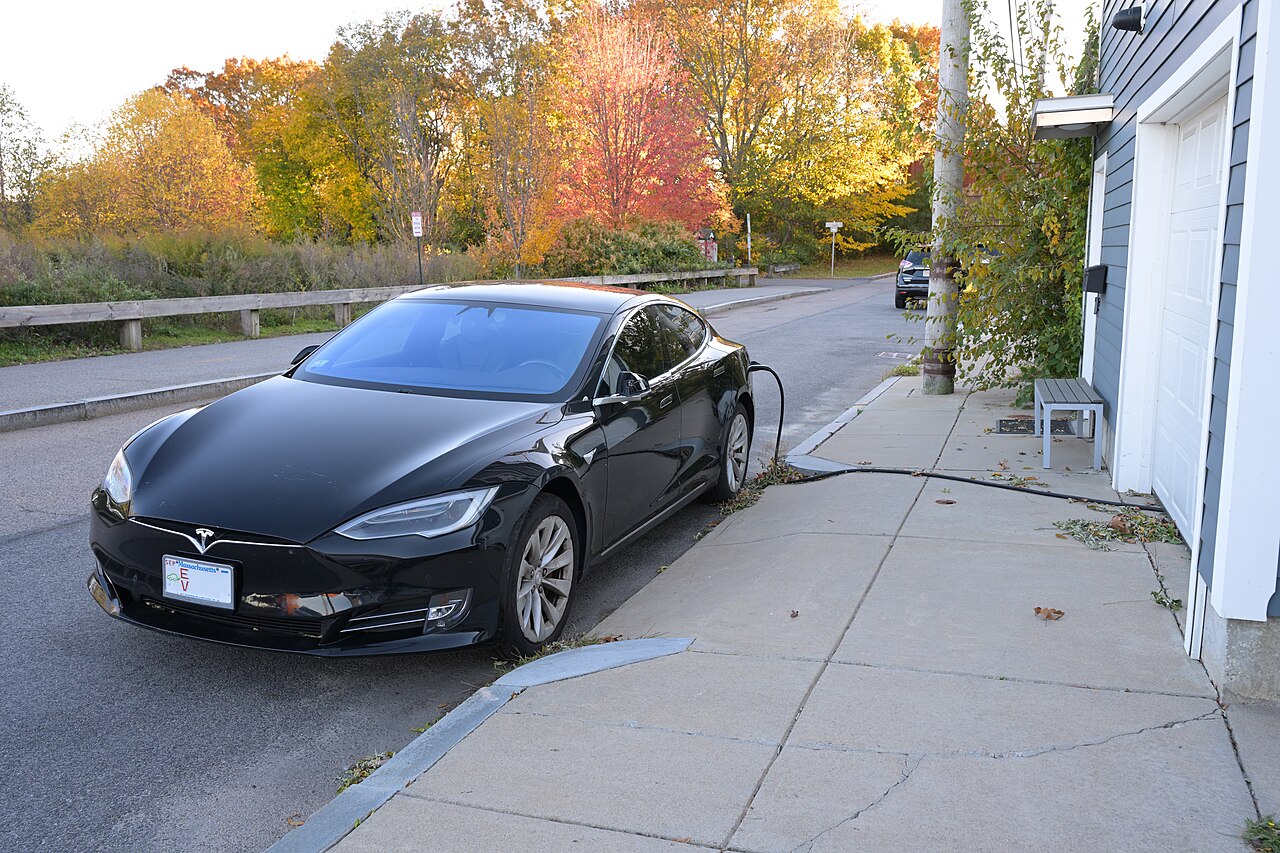
Information current as of August 2026 and based on Tesla’s published guidance plus owner-reported data; software behavior, drain rates, and features change with over-the-air updates — verify current settings in your car and on Tesla’s official Range support page. This article is general information, not official Tesla advice. Some links are affiliate or referral links; see our disclosure page. Sources include the Tesla Range support page, fueleconomy.gov EV information, and Natural Resources Canada. Image credit: photo by 4300streetcar, CC BY 4.0, via Wikimedia Commons.

About the author: Lifei Zhou
Model Y owner since 2022Ontario STO registered apprentice · 310SWorks on Porsche, Mercedes, BMW, Audi weeklyHundreds of readers referred (est.)
Lifei is a Tesla owner based in Canada, writing practical, fact-checked Tesla guides for US and Canadian drivers — buying, ownership, insurance, charging, and TSLA investing, all from first-hand experience.